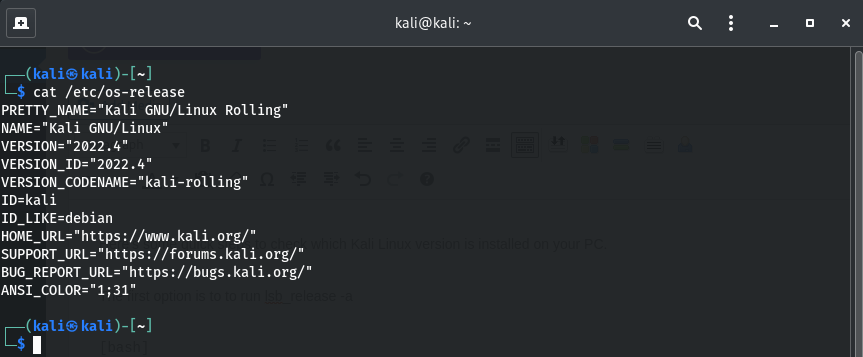
how to check Kali Linux version
Here’s some quick steps to check which Kali Linux version is installed on your PC.
Kali Linux is a free and open-source operating system based on the Debian distribution. It is primarily designed for use in digital forensics and penetration testing, and comes pre-installed with a wide range of security and networking tools.
You might need to know which version of Kali Linux you are using if you want to install new applications, as the commands used might differ from different versions of Kali Linux installed.
In this method, we will use the lsb_release -a command in order to check the release version, description, and operating system codename.
$ lsb_release -a

OR, check the /etc/os-release file:
$ cat /etc/os-release